Choosing a managed IT services provider: 10 questions to ask
The 10 questions an SMB should ask a managed services provider (MSP) before signing, and the answers that should reassure you.
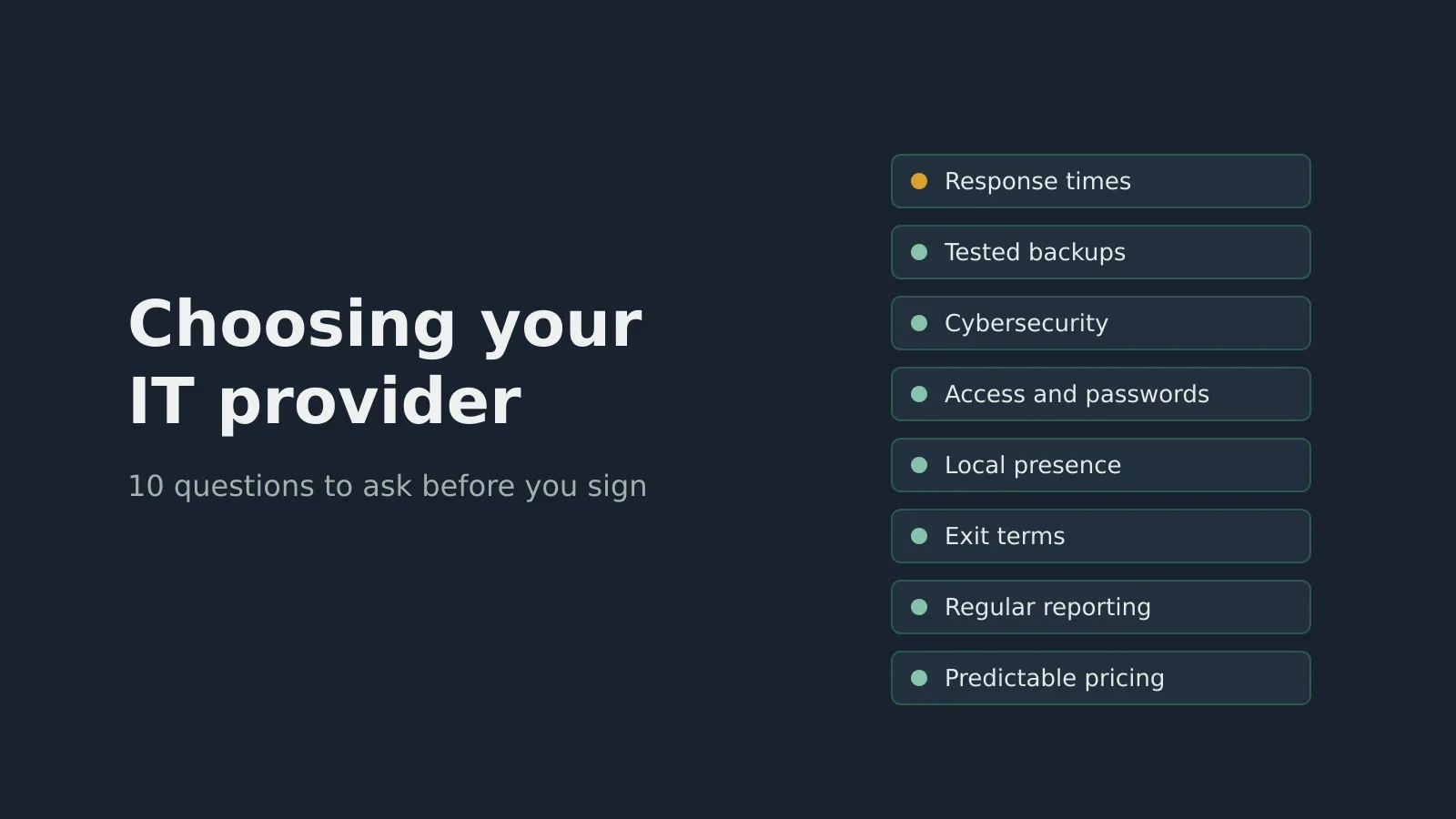
Handing your IT to a managed services provider (MSP) means handing over part of how your business runs. Yet many SMBs choose on the monthly price per seat, without knowing what else to compare.
I’ve sat on both sides of the table: client, consultant, account manager and now operations supervisor at an MSP. These are the questions I’d ask any provider before signing, and the answers I’d want to hear.
1. What are your response times, in writing?
“We’re fast” means nothing. Ask for response and resolution times by severity: a business that’s down can’t wait the way a temperamental printer can.
Good answer: specific times per priority level, written into the contract, with reports showing whether they’re met.
2. What’s included, and what costs extra?
This is where bad surprises come from: projects, travel, new setups, after-hours work.
Good answer: a clear list of what’s in and out, with rates for the rest. If it’s vague before you sign, it’ll be vague on the invoice.
3. When did you last test a backup restore?
My favourite question. Almost everyone backs up; far fewer check that the backups can actually be restored.
Good answer: scheduled restore tests, an offsite or cloud copy, and a clear idea of how long it would take to get you running again.
4. How do you protect my business from cyberattacks?
SMBs are targets because they’re often less protected. A serious MSP should talk about concrete measures, not just antivirus.
Good answer: multi-factor authentication, endpoint protection, tracked updates, email filtering, staff awareness training and an incident plan.
5. Who owns the access and documentation?
Your admin accounts, passwords, licences and network documentation belong to you. Full stop.
Good answer: a written commitment to hand them over at any time, and at the end of the contract.
6. Who will actually look after us?
A name, a team, a point of contact. Talking to someone new on every call wastes time and memory.
Good answer: one person responsible for your account who knows your environment and how you work.
7. Can you come on site, and how quickly?
Most requests are solved remotely. But when a switch dies or ten new computers need setting up, proximity matters.
Good answer: a presence in your region, with realistic travel times.
8. How will you get to know my environment?
A good start is an inventory: computers, servers, network, software, licences, risks. Without it, the provider discovers your problems at the same time you do.
Good answer: a structured onboarding that ends with up-to-date documentation and a prioritized list of recommendations.
9. What reports will I receive?
You pay every month; you should see what you’re getting.
Good answer: regular follow-up a manager can read: requests handled, backup and security status, recommendations for what’s next.
10. What happens at the end of the contract?
Nobody likes to think about it at the start, but it shows whether a provider is confident in their service.
Good answer: reasonable notice, no punitive penalties and an orderly handover to the next provider if you choose to leave.
Summary
| Check | Reassuring sign | Warning sign |
|---|---|---|
| Response times | In the contract, measured | “We’re fast” |
| Costs | Inclusions and exclusions detailed | Vague flat fee |
| Backups | Restores tested | “We back up everything” |
| Security | Concrete measures named | Antivirus only |
| Access | Yours, in writing | Kept by the provider |
| Exit | Handover planned | Penalties, silence |
The best provider isn’t always the cheapest. It’s the one that explains clearly what it does, proves it with reports, and leaves you free to go.
Evaluating an IT provider, or wondering about the one you have? Write to me; I’d be glad to talk it through.
Frequently asked questions
What is a managed services provider (MSP)?
A company that runs an organization's IT on an ongoing basis: user support, monitoring of computers and servers, updates, backups and security, usually for a monthly fee.
What is the most important question to ask an MSP?
Ask when they last tested a backup restore for a client, and how. A backup that has never been restored is a promise, not protection.
Does an MSP need to be local?
Not necessarily; most support happens remotely. But a local presence speeds up on-site work: network equipment, new computers or hardware failures.
How do I avoid being locked in by my IT provider?
Require in writing that admin access, documentation and licences belong to you, and that they are handed over when the contract ends.